Local CI
The Local CI page, under START in the sidebar, runs a project's GitHub Actions workflows on your computer, the way GitHub would, so you see how they go before you push. Each job runs in a container on your engine, step by step, with live logs.
Local CI is Ferrodock's own, written in Rust. It needs nothing else: no
act, no runner to register, no account.
Choosing a project
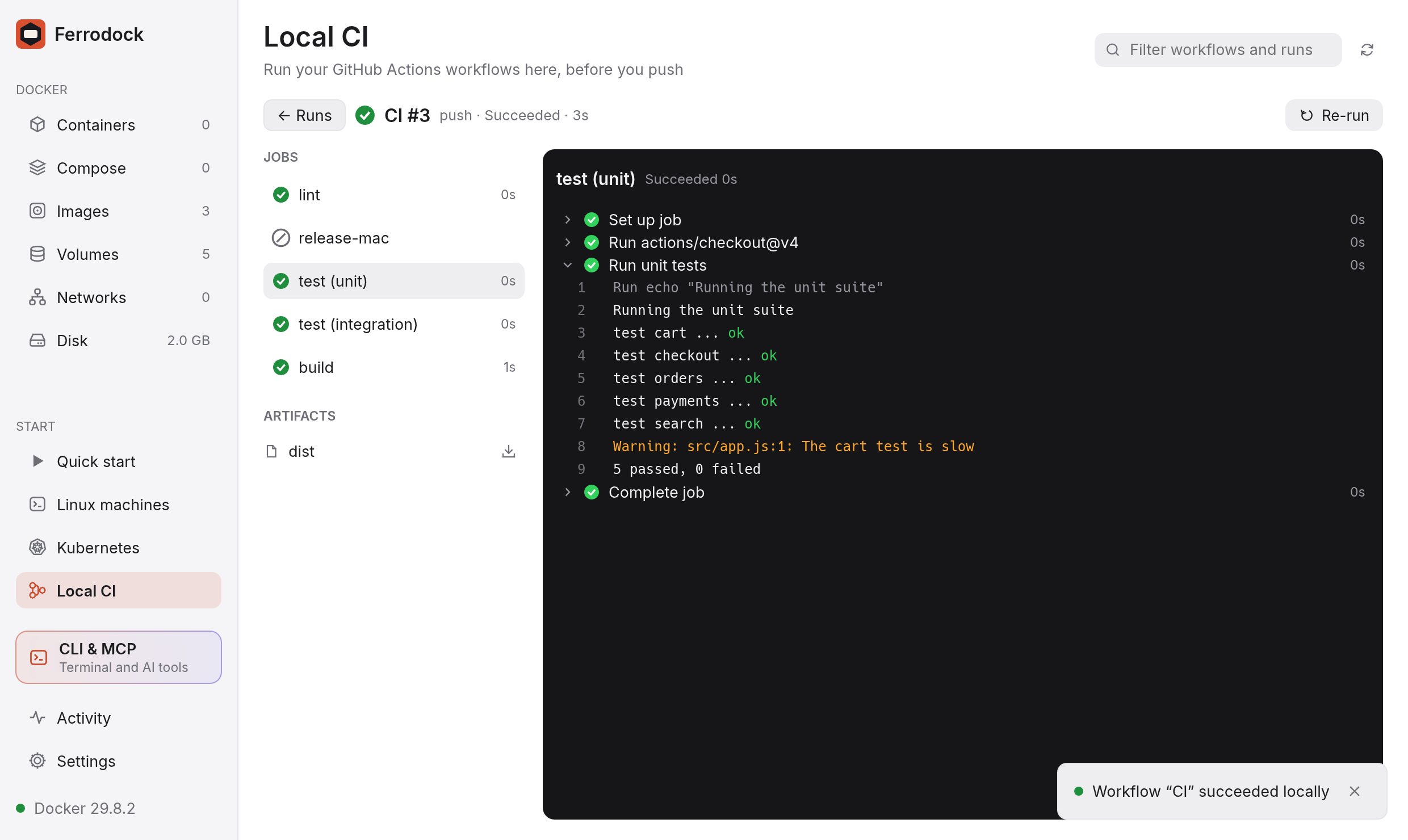
Click Choose project… and pick a folder with .github/workflows (or
type its path). Its workflows are listed on the left, and the runs on the
right, one line each: how it went, the workflow and run number, what it ran
as, how long it took and when. Pick a workflow to see only its runs, or
All workflows for every one. Edits to the files show up on their own.
Projects you ran before are under Recent.
Running a workflow
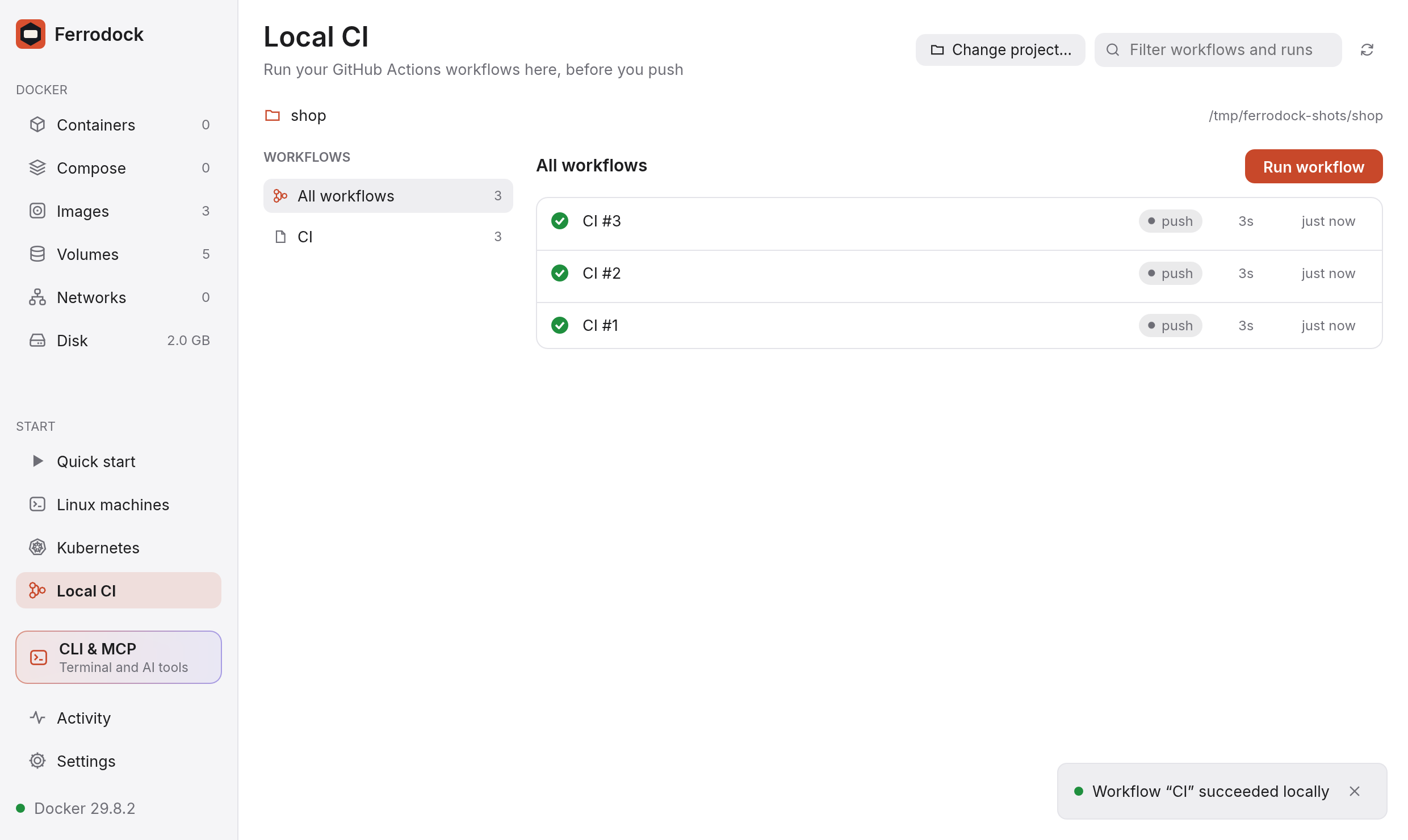
Click Run workflow (with All workflows picked, choose which from its menu). The dialog asks for:
- Run as: a push, a pull request or a manual run, out of the events
the workflow runs on. The
githubcontext and the event payload match: the branch and commit come from the project's.git. - Inputs, for a manual run (
workflow_dispatch): text, choices and yes/no, with their defaults. - Secrets: the ones the workflow mentions are listed, ready to fill in.
They're kept on this computer only, in a file only you can read
(
~/.ferrodock/ci-secrets.json), never in the project, and they're masked in the logs. A secret left empty is unset, as on GitHub.
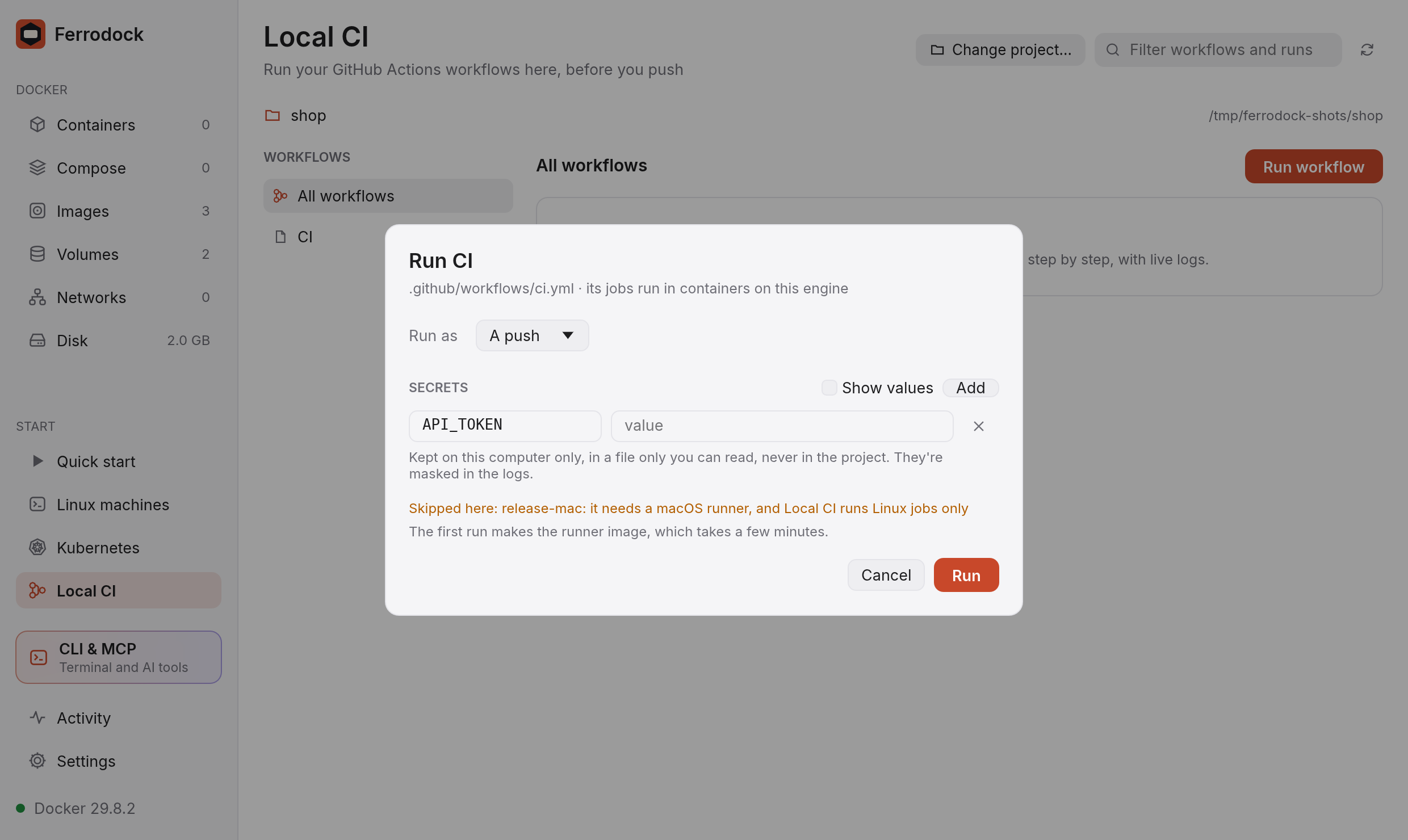
The dialog also says which jobs can't run here (macOS and Windows jobs; Local CI runs Linux jobs only). They're shown as skipped.
The first run makes the runner image, which takes a few minutes and about 3 GB; later runs start in seconds. It's Ubuntu with what GitHub's Ubuntu runners come with, so workflows find the same tools here as there:
- Rust (stable, with clippy and rustfmt, in
~/.cargo), Go, Java 21 (JAVA_HOME), Node.js 22 with npm, yarn and pnpm, and Python 3 with pip and pipx. - Build tools:
build-essential,cmake,ninja,clang,lld, autotools,pkg-config,protoc, OpenSSL and SQLite headers. - Everyday tools:
gitand Git LFS,gh,jq,yq,curl,zip,zstd,shellcheck,sqlite3, and arunneruser withsudo.
Anything else a workflow installs with sudo apt-get install, as it would
on GitHub.
Following a run
A run opens as it starts. On the left are its jobs, one per matrix combination, with a tick, a cross or a spinner. On the right are the steps of the chosen job, with how long each took; click a step to read its log. The step running now and steps that failed are open already.
Logs keep their colours. ::group:: blocks fold, and ::error::,
::warning:: and ::notice:: lines stand out. Click Cancel to stop a
run, and Re-run to run it again with the workflow as it is now.
Files a job uploads with actions/upload-artifact are listed under
ARTIFACTS; click the download button to save one to your Downloads
folder (as a .tar).
What runs
- Jobs with
needs(and theiroutputs),if:,strategy.matrix(withinclude,exclude,fail-fastandmax-parallel),continue-on-error,timeout-minutes,envanddefaults. container:: the job runs in that image instead of the runner.services:: Postgres, Redis and the like run next to the job, onlocalhostas on GitHub, and answer by their name too. Their health checks are waited for.- Steps with
run,shell,working-directory,if:,env,continue-on-errorandtimeout-minutes, and expressions (${{ … }}) with the usual functions,hashFilesincluded.GITHUB_ENV,GITHUB_OUTPUT,GITHUB_PATHandGITHUB_STEP_SUMMARYwork. - Actions from GitHub, like
actions/github-script@v7orowner/repo/path@v1, and from the project (./.github/actions/x):- JavaScript actions run with Node.js, with their
preandpostscripts, inputs and their defaults, outputs and saved state. - Composite actions run their steps inside the step that uses them, each
in a group of its log, with
inputs, outputs and nested actions.
- JavaScript actions run with Node.js, with their
- Actions built in:
actions/checkout(your working copy, as a clone would have it: what.gitignoreleaves out stays out),actions/setup-node,setup-python,setup-go,setup-java,dtolnay/rust-toolchain,actions/cache(kept between runs on this computer), andactions/upload-artifact/download-artifact.
Docker actions (using: docker, docker://image) and reusable workflows
(uses: on a job) are skipped with a warning for now.
Actions from GitHub
An action is downloaded from GitHub once, into Ferrodock's folder
(~/.ferrodock/ci-actions); a tag or branch like v4 is fetched again
after a day, a commit SHA never. Downloads trust your system's certificates,
so they work behind a company proxy too.
On GitHub every run has a token. Here, add a GITHUB_TOKEN secret (a
personal access token) for actions that call GitHub's API, or that come from
private repositories. Without one, github.token is a stand-in: actions that
only need it to be there run, and calls to GitHub are refused.
On the command line
fdock ci run runs a workflow from a terminal, a script or a Git hook,
with the same engine and the same secrets:
fdock ci run ci.yml --secret NPM_TOKEN --artifacts ./out
See fdock for everything it takes.
Clean up
A run's containers are removed when it ends. Its artifacts are kept while
the run is in the list (the last 20 runs), and removed when Ferrodock
starts again. Downloaded tools and caches are kept in the volumes
ferrodock-ci-toolcache and ferrodock-ci-cache, so later runs are fast;
remove them on the Volumes page to start afresh.