Free · Open source · 100% Rust
Docker, at native speed.
Ferrodock is a fast, lightweight desktop app for your containers, images, volumes and networks. It's a single native app: no Electron, no web view, and no CPU used while idle.
All downloads and checksums · Installation guide
Everything you reach for, nothing you don't
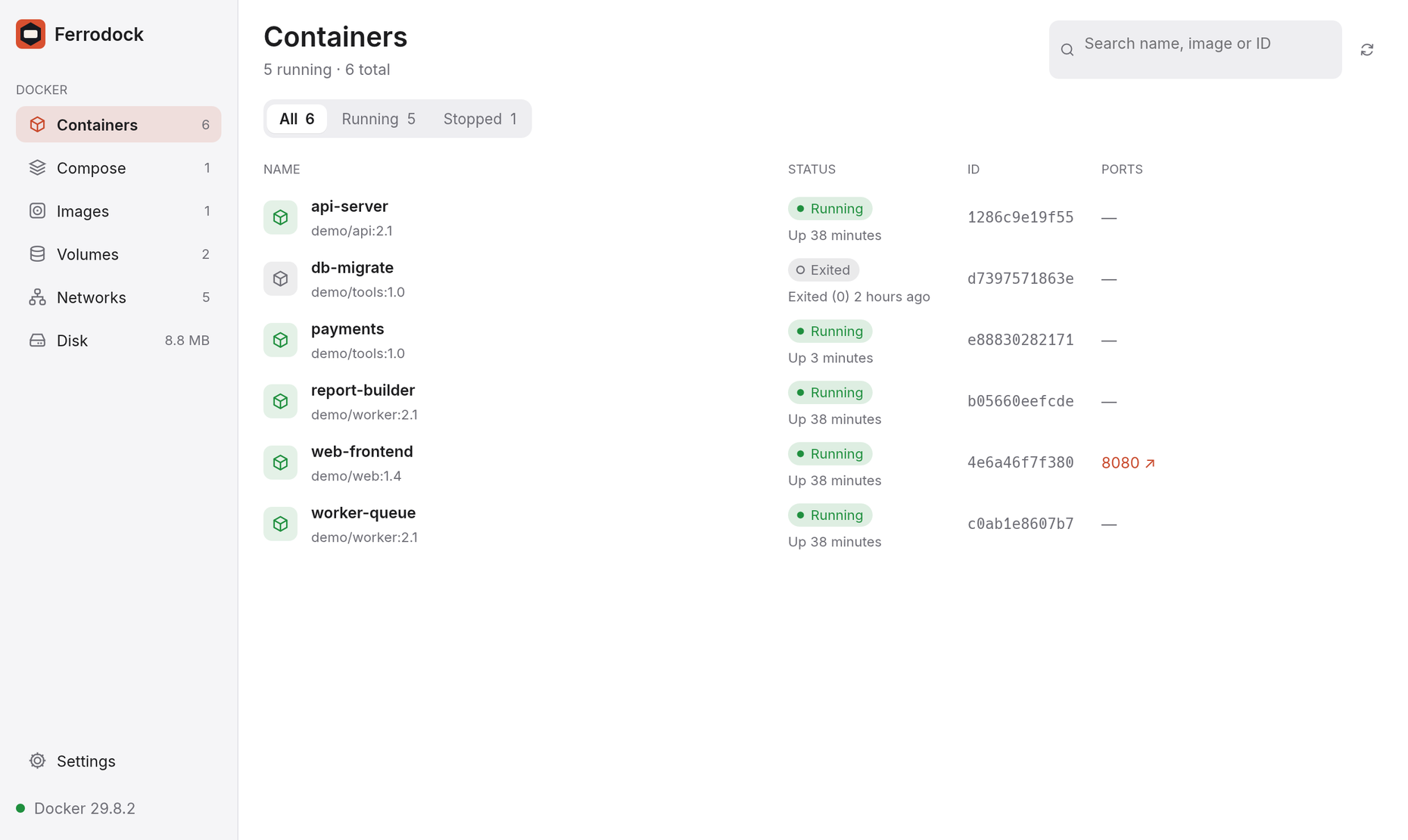
The everyday Docker work, in a window that opens instantly and stays out of your way.
Command palette
Press ⌘K and type. Jump to any container, image or volume, or restart a service, without touching the mouse.
Live logs and stats
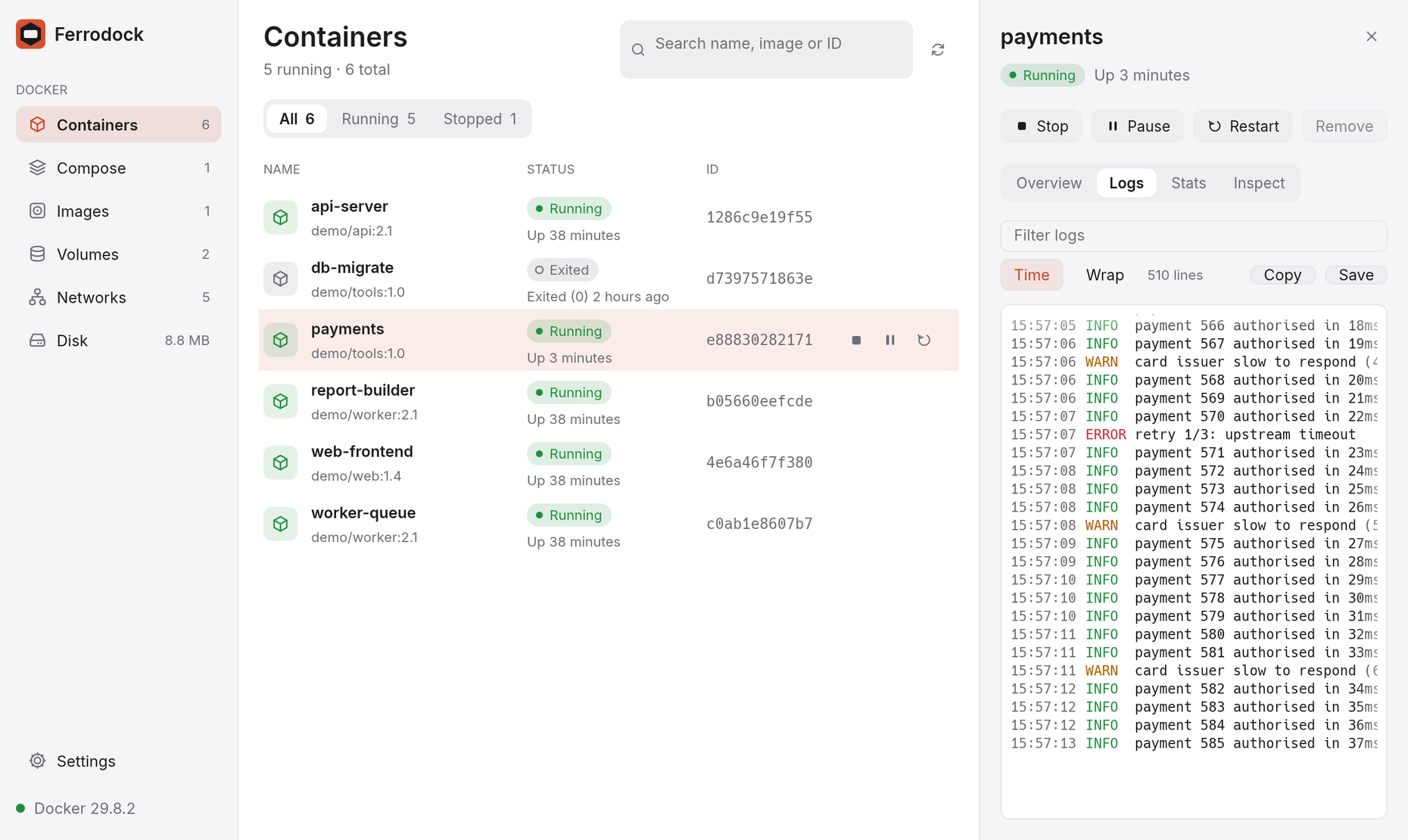
Logs stream as they happen, and CPU and memory are charted in real time. They only stream for the container you're looking at.
Compose projects
Containers are grouped by Compose project. Start, stop, restart or remove a whole stack in one click.
Free up disk space
See exactly where your gigabytes went, then clean up images, volumes and build cache with a preview of what goes.
Ports in one click
Published ports are links. Click 8080 ↗ and your app opens in the browser.
Works with any engine
Docker Desktop, Colima, Rancher Desktop, or a plain dockerd. Ferrodock connects as soon as the engine is up.
Logs that keep up
Follow output live, filter it as you type, and copy what you need. Switch containers and the stream switches with you.
See what's using your machine
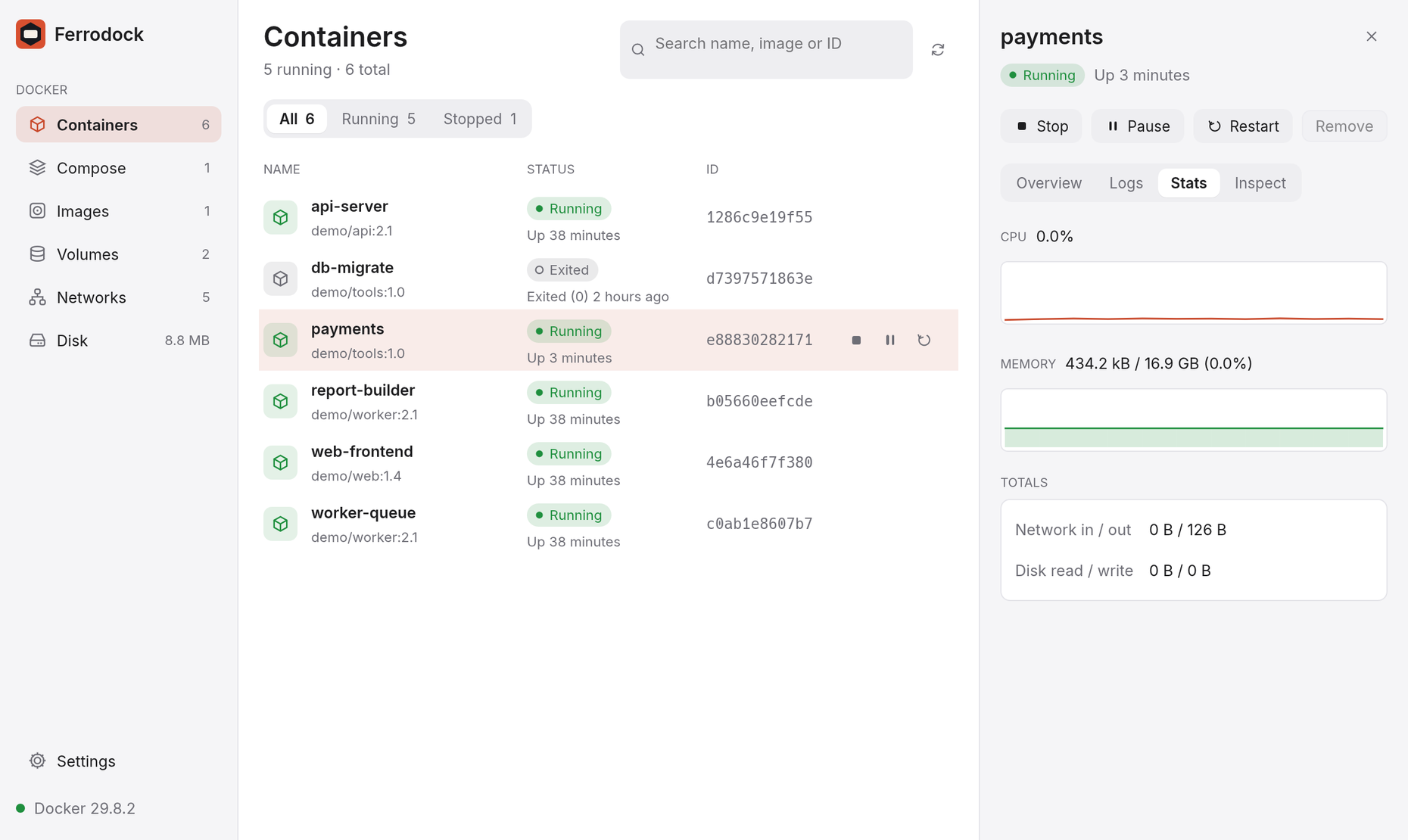
CPU and memory charts update every second, with network and disk totals alongside. Charts only run while you're watching.
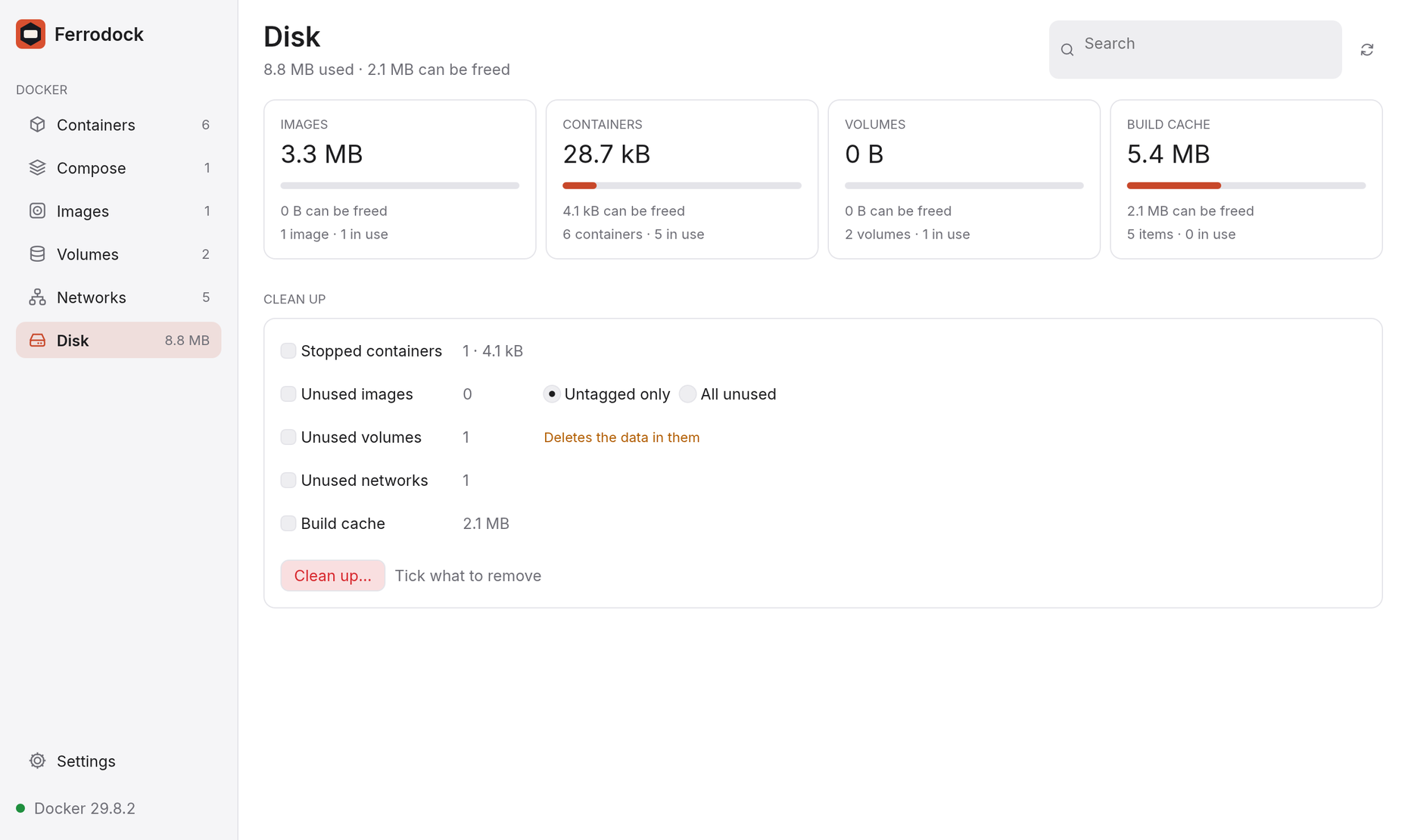
Win back your disk space
See how much images, containers, volumes and build cache take, and free it in one step, with a preview of exactly what goes.
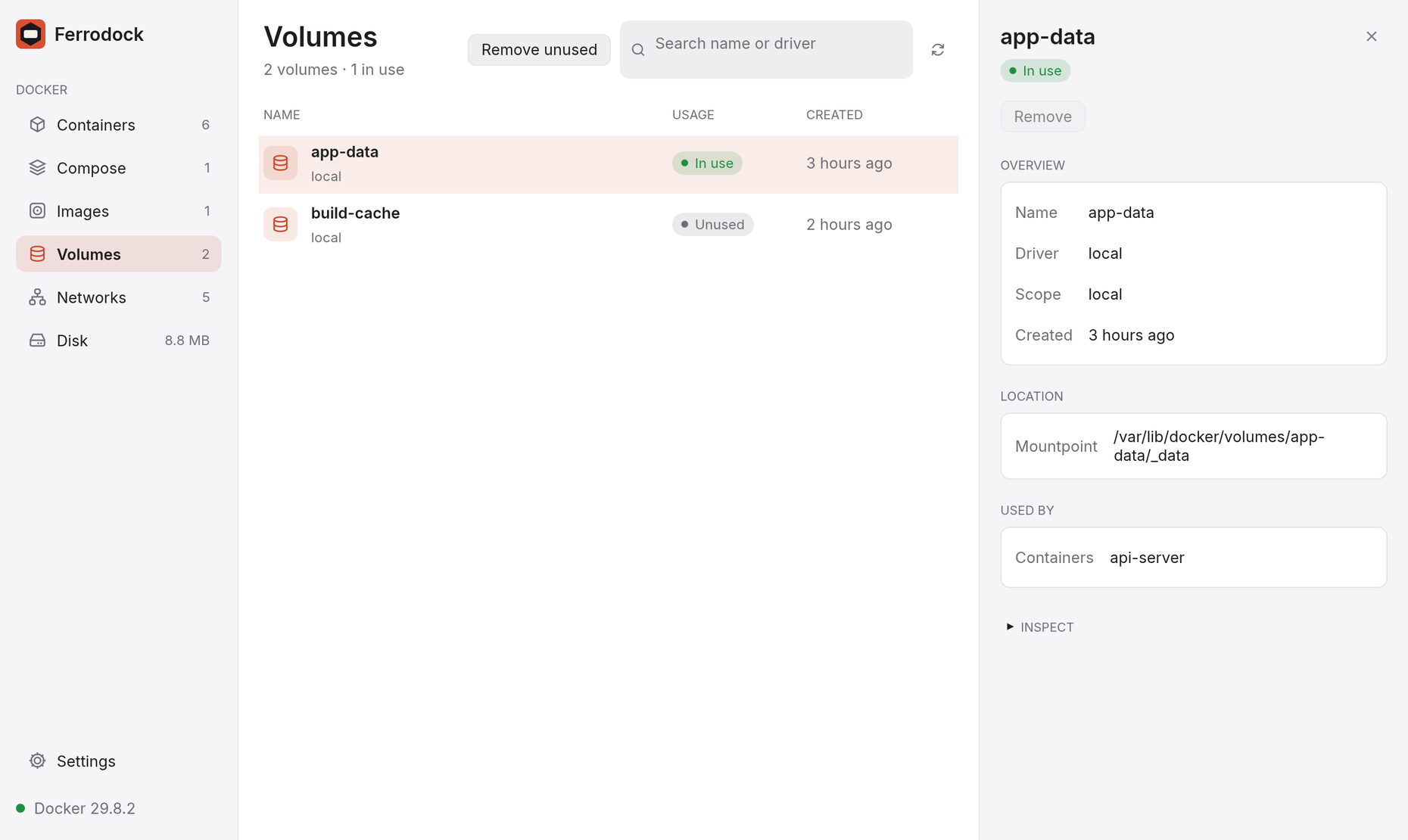
Images, volumes and networks
Sizes, mountpoints, subnets, and which containers use each one. Remove what's unused in one step, always with a confirmation first.
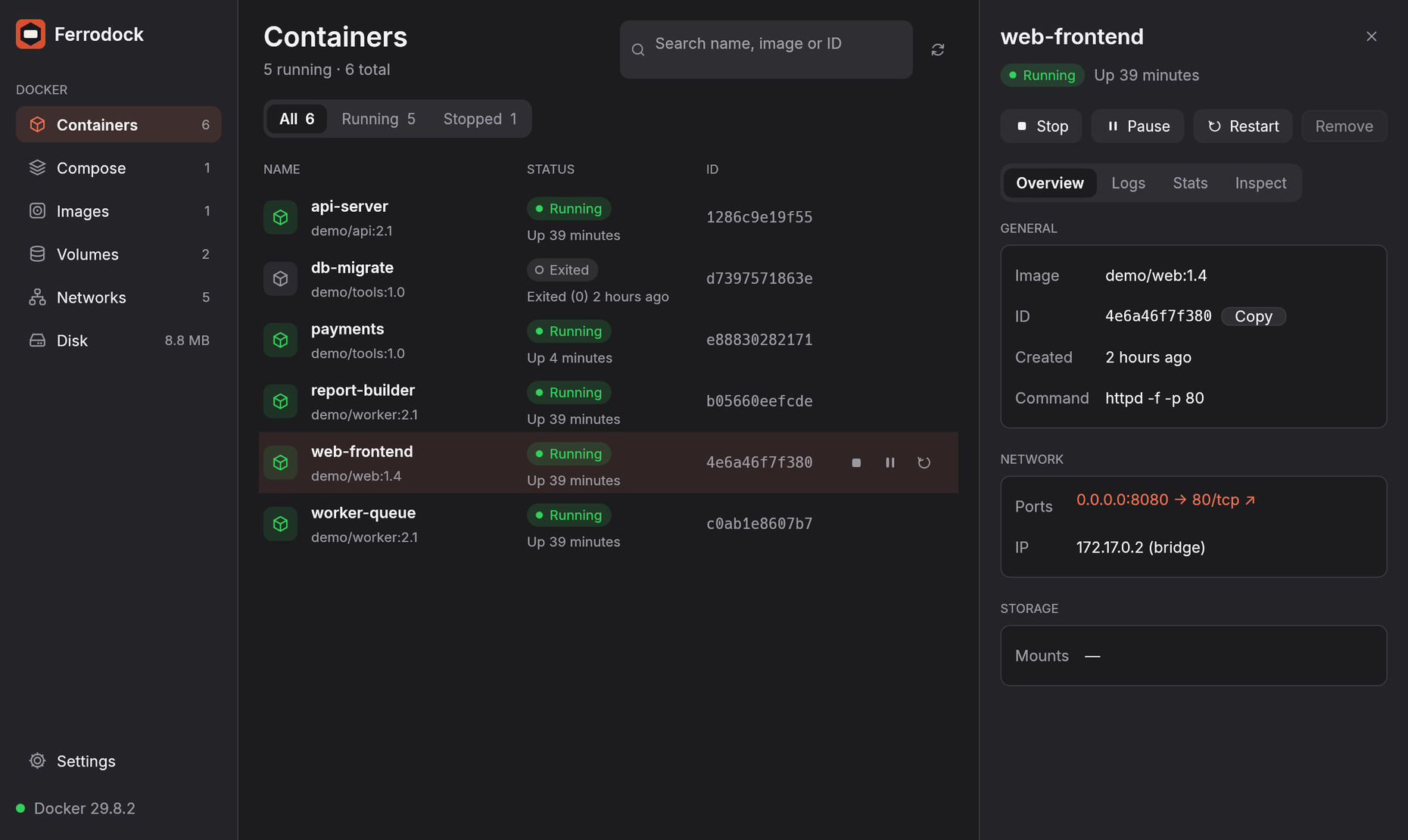
At home on your desktop
A clean light theme by default and a polished dark one, crisp vector icons and the Inter typeface, at any size from 90% to 125%.
Built to be light
Native, not a browser
Built with Rust and egui. There's no bundled browser engine, so it starts fast and uses little memory.
Silent when idle
Docker calls run on a background thread and only changes repaint the window. Leave it open all day.
Yours to keep
MIT licensed and free for personal, commercial and company use. No account, no telemetry, no subscription.
Up and running in a minute
$ brew tap manimovassagh/ferrodock https://github.com/manimovassagh/Ferrodock$ brew install --cask ferrodock
Or download the DMG and drag Ferrodock to Applications. It isn't notarized yet, so allow it once in System Settings → Privacy & Security → Open Anyway. Installation guide →
Free, open source, and fast.
Download Ferrodock for your computer, or star it on GitHub to follow along.